MyWallet
A beautiful, private expense tracker that works fully offline.
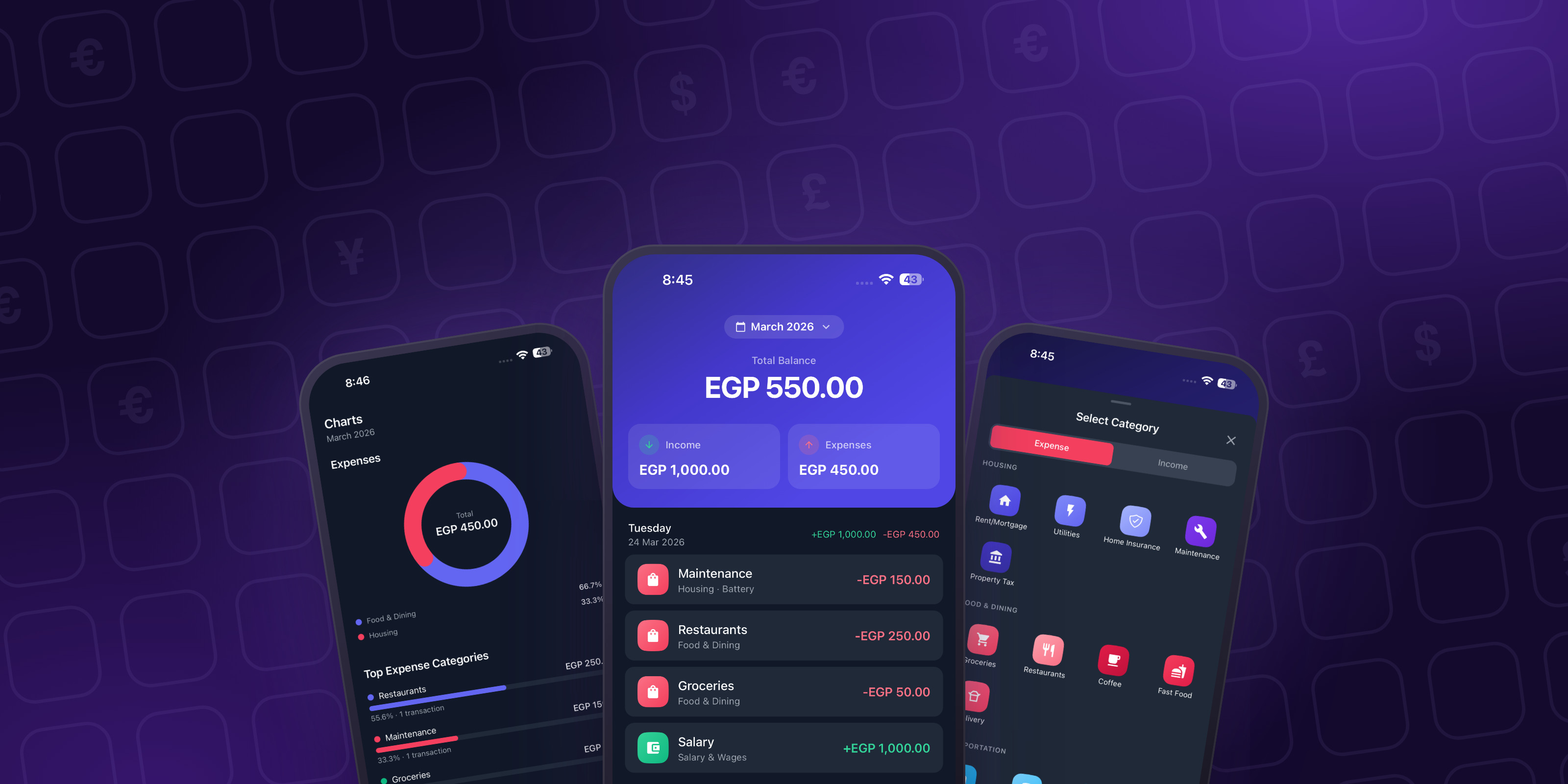
Overview
Log income and expenses in seconds and see exactly where your money goes. Everything lives on your device, with no ads, no tracking and no account needed.
MyWallet is built around privacy. The app works completely offline from a local database, and signing in with Apple is optional, only for backing up.
The free version is fully useful on its own. A small optional Pro subscription unlocks unlimited custom categories, detailed reports, CSV export and encrypted cloud backup.
Under the hood
The features that took real engineering
- 01
Instant, offline-first data
Every transaction is written straight to an encrypted on-device database, with versioned migrations that keep updates safe. Changes queue up for backup and sync across devices once the user signs in.
- 02
Charts that actually help
Hand-built donut charts, category breakdowns, monthly trends, biggest earning days, weekly spending habits and date-range reports, all animated smoothly.
- 03
Built for the world
Eleven languages, including full right-to-left Arabic with localized dates and numbers, plus a wide list of currencies with proper formatting.
- 04
Locked to you
Face ID, Touch ID or a 4-digit PIN keeps the app private, even on a shared phone.
- 05
Categories that fit real life
More than 130 starter categories in a three-level hierarchy, each with its own icon and colour, plus fully custom ones.
- 06
Your data stays yours
CSV export and import at any time, and encrypted cloud backup for Pro members, managed through Apple subscriptions.
Screens
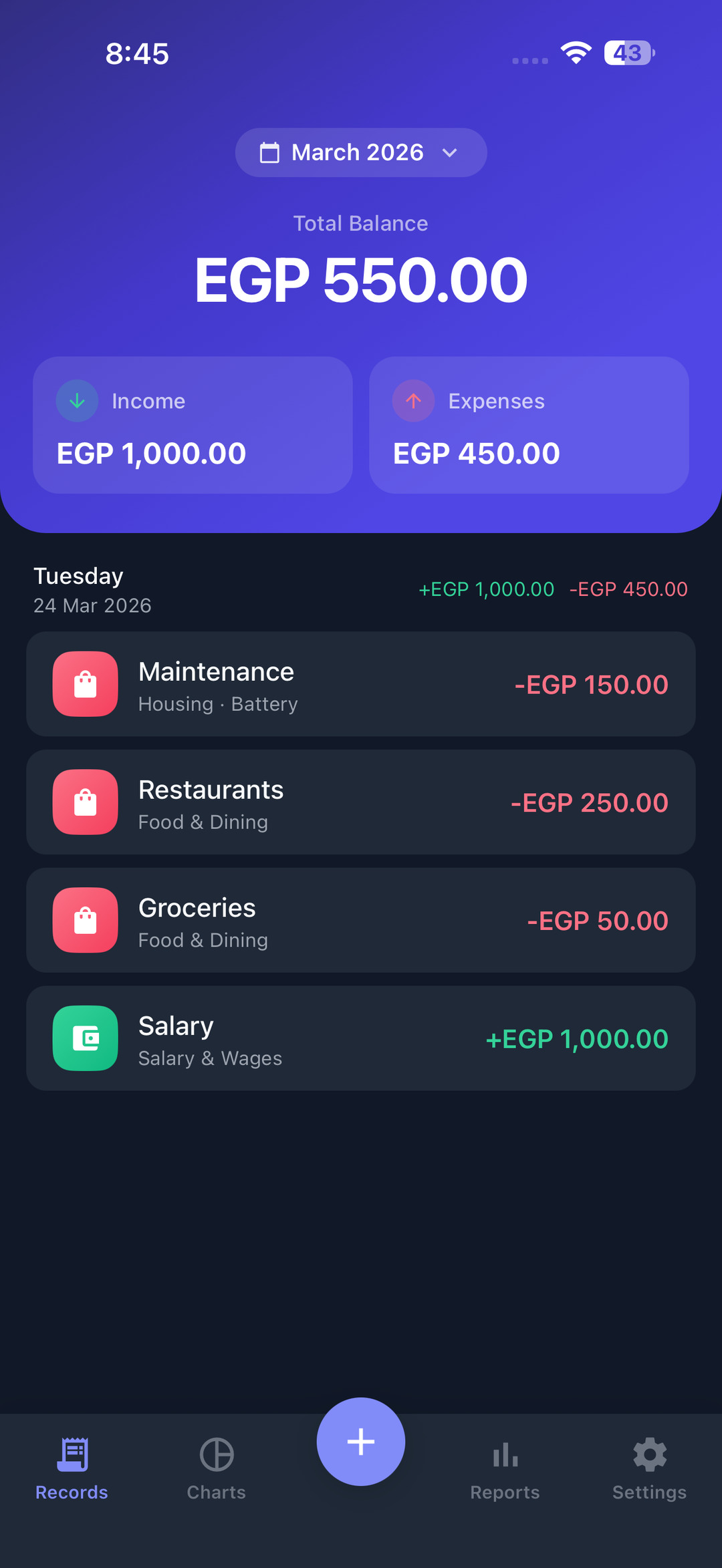
Every income and expense, by day 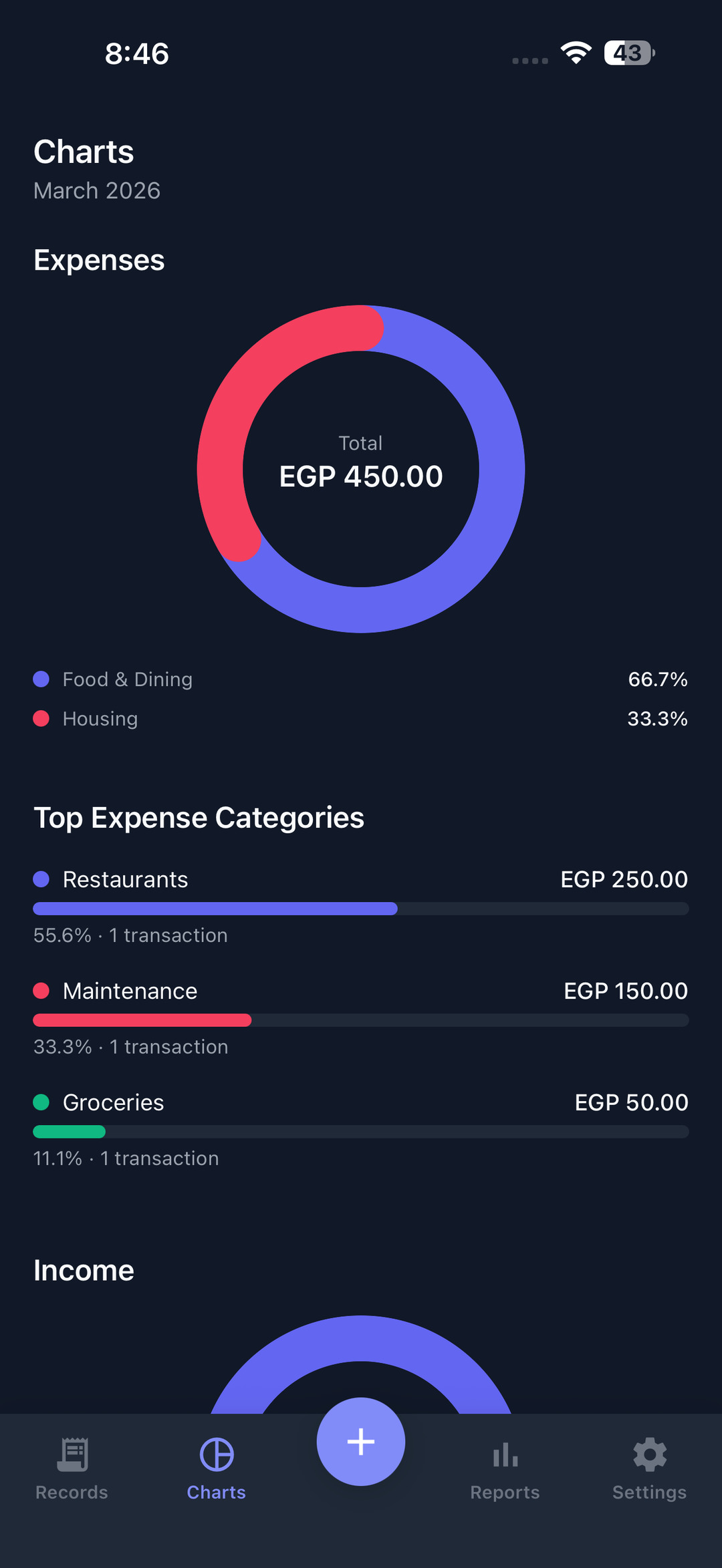
Charts by category 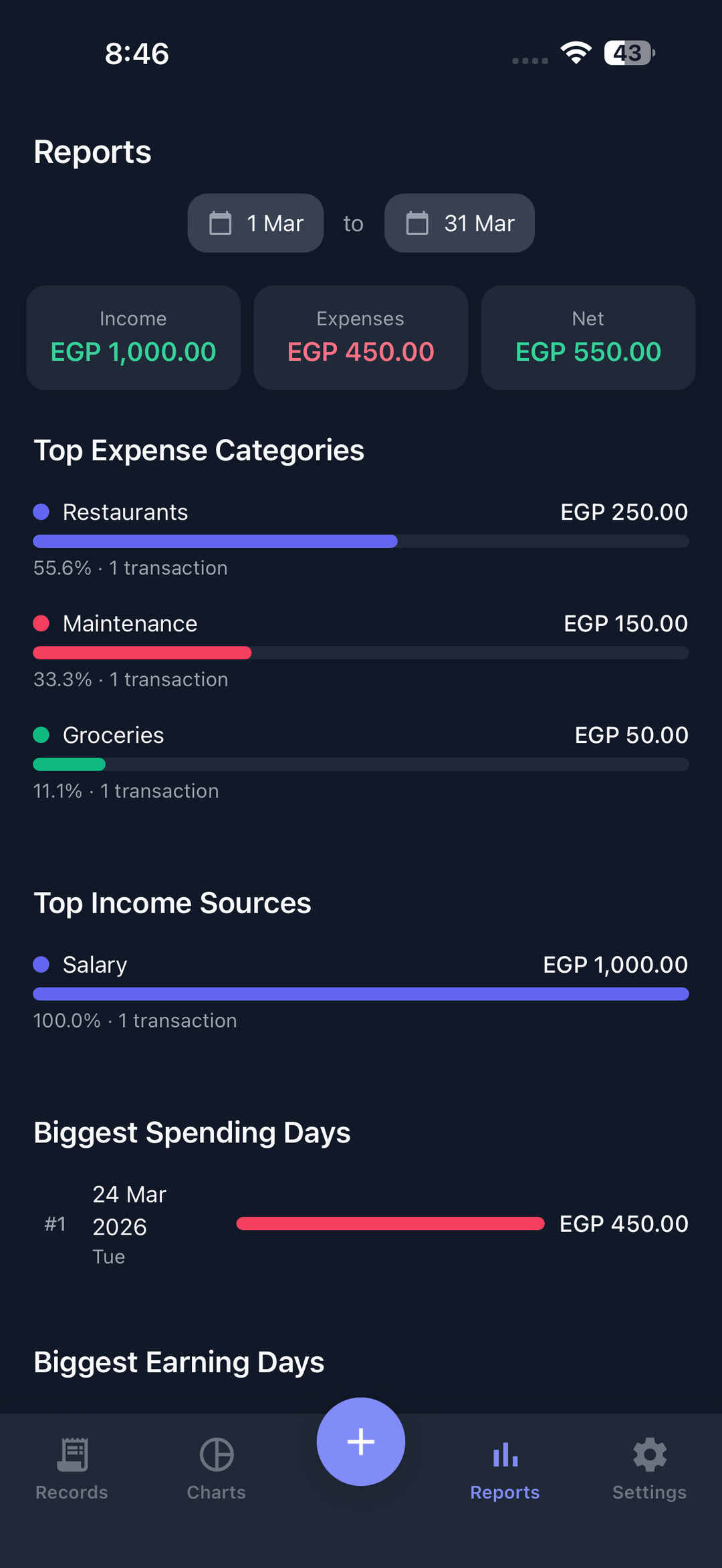
Reports for any date range 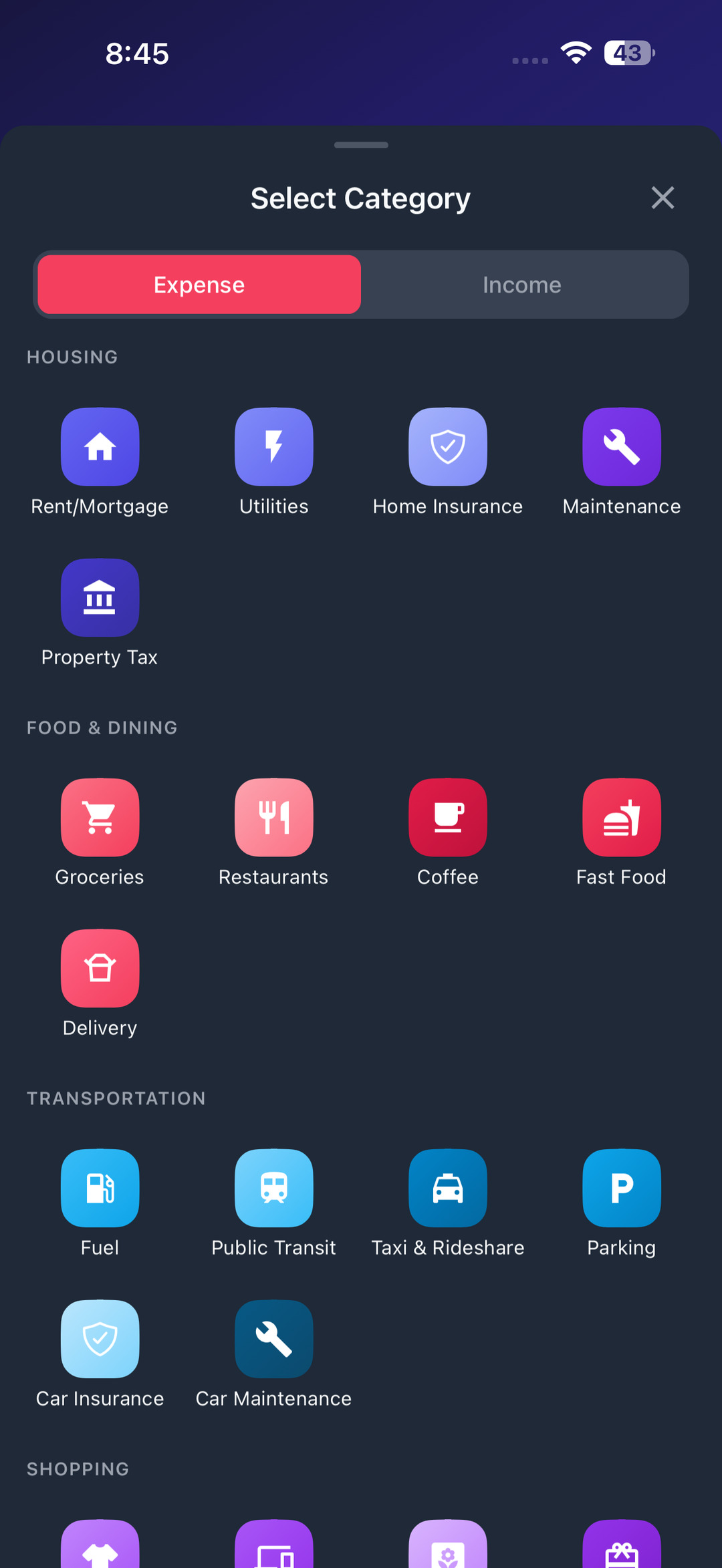
Categories with their own icons 
Face ID and PIN lock